Replacing a Resource (v10.xx)
To replace a project team member, first make sure that the replacement resource has already been added to the project team. Then:
Click on the "Replace resource" icon on the toolbar

In the "Resource replacement" dialog box that opens, select the resource to be replaced and then select the replacement resource:
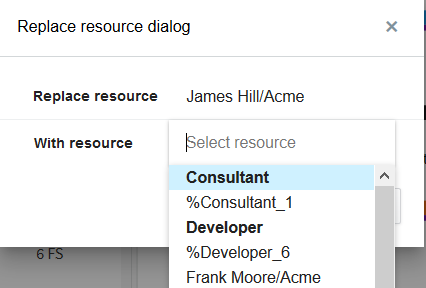
Once the replacement resource has been selected, all assignments of the replaced resource will be re-assigned to the replacement resource.
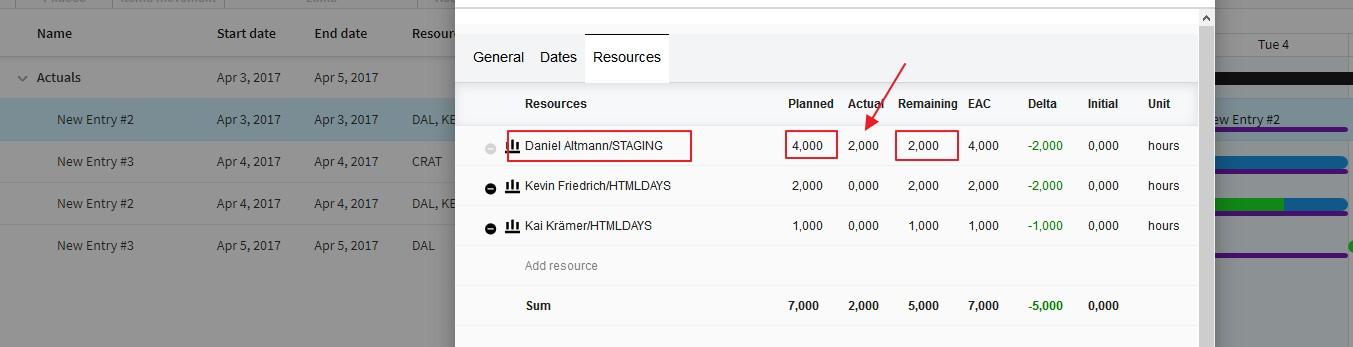
If the old resource already has Actuals, there will be no changes in the planner. The current resource will stay in place with it's remaining workload.
If the old resource does not have any Actuals, it will be replaced by the new resource. The new resource will inherit all of the planned and remaining workload form the old one.